PortOne
Unified PG Integration
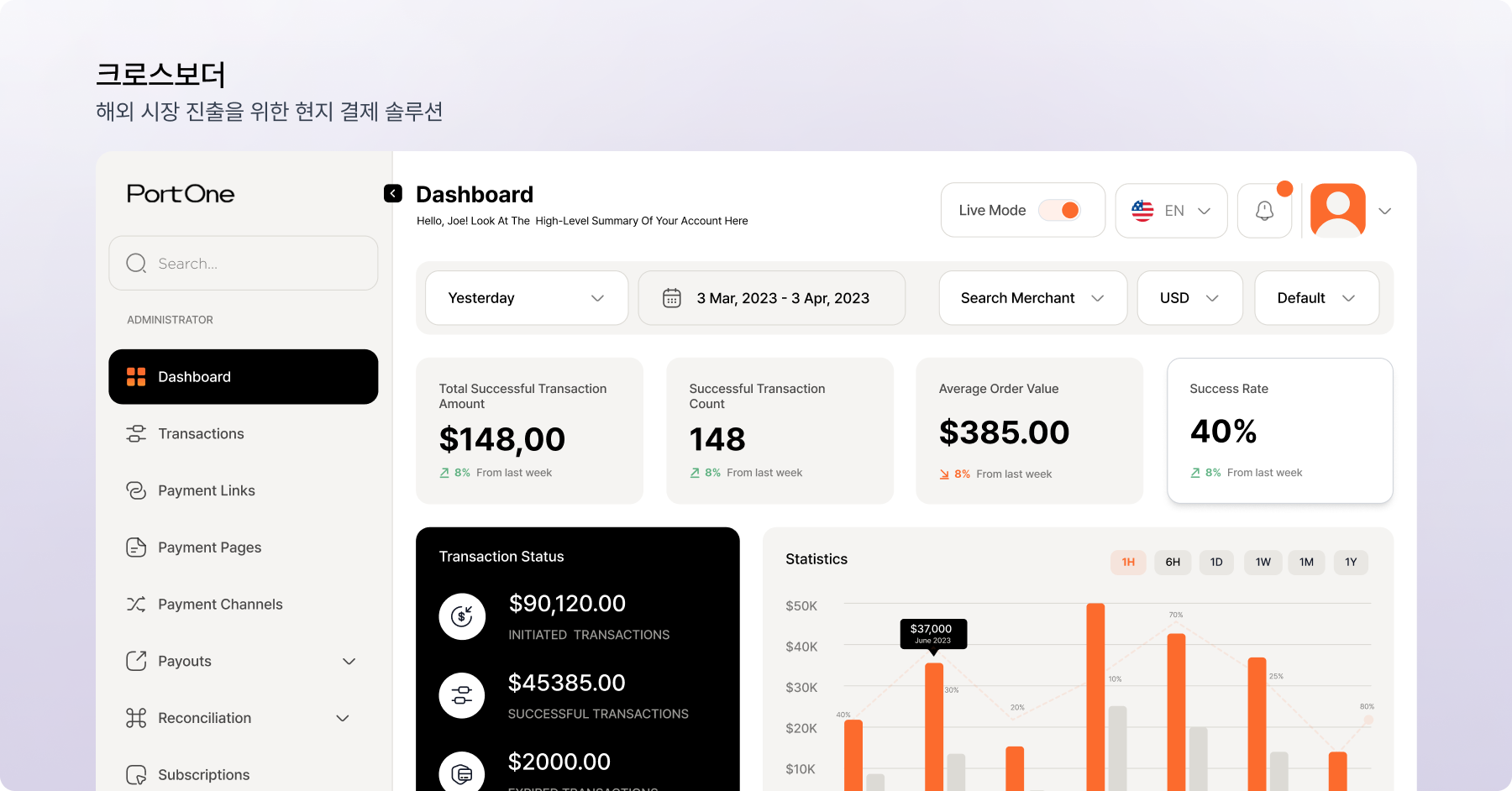
PortOne connects multiple Korean PGs (Toss, KG Inicis, NICE, Kakao Pay, Naver Pay, and more) through a single API. This guide covers signup, PG contracts, channel registration, and V2 API calls.
Platform fee
Free (PG fees only)
Supported PGs
15+
Required docs
Business registration · PG contract
Overview
Check before you start
PortOne (formerly Iamport) abstracts multiple PGs behind one API. PortOne itself is free, but you need a separate contract with each PG. For new projects, use V2 (GraphQL/REST); V1 is still supported.
Business registration
Both individuals and corporations qualify.
Pick a PG
Toss, KG Inicis, NICE, and more.
V2 vs V1
V2 recommended for new projects.
Webhook server
Requires an HTTPS endpoint.
Step by Step
Step-by-step Guide
SIGNUP
Create a PortOne account
Sign up at admin.portone.io.
- Sign up with email or Kakao login
- Enter business info (registration number, representative, address)
- Register a contract contact
- Test environment is available immediately without review
PG
Choose a PG & sign a contract
Sign a PG contract to enable live payments. You can apply from the PortOne console.
- Supported PGs: Toss, KG Inicis, NICE, Kakao Pay, Naver Pay, PayPal, and more
- Apply easily via PortOne console > PG application
- PG review takes 2–5 business days
- Fees vary by PG (regular cards around 2.5–3.5%)
- Choose a settlement cycle (D+1, D+3, etc.)
TEST
Set up a test store
Finish the integration in test mode before signing.
- Test store is provided by default (KCP, Inicis, Toss test keys)
- Test card numbers are documented (docs.portone.io)
- Test bank transfer, virtual account, mobile payment, and other methods
- Complete the full frontend and server flow in the test environment
KEYS
Issue V2 API keys
Use V2 for new projects.
- Store ID: store identifier (safe to expose)
- API Secret: server-only — never expose
- Keep it in .env
- V2 offers both GraphQL and REST
- Channel Key: identifies a PG and payment-method combination
CHANNEL
Register payment channels
Register live channels when switching to real payments.
- Console > Payment integration > Add channel
- Enter the PG, MID (store ID), and PG-issued keys
- Register separate channels for card, bank transfer, and easy pay
- Keep live and test channels separate
- Channel aliases let the frontend select them
CLIENT
Implement the payment request
Open the payment window from the frontend.
- Browser SDK: @portone/browser-sdk
- PortOne.requestPayment({ storeId, channelKey, paymentId, ... })
- paymentId: unique order ID (generate internally, UUID recommended)
- Result is returned to the frontend on completion
- React Native: @portone/react-native-sdk
VERIFY
Server verification & order confirmation
Never trust the frontend alone — re-verify on the server.
- Frontend finishes payment → sends paymentId to the server
- Server queries the PortOne API for payment details
- Verify amount, currency, and paymentStatus
- Confirm the order only if amounts match
- This is the key step that blocks amount tampering
WEBHOOK
Register webhooks
Receive payment state changes instantly.
- Console > Webhooks > Add endpoint
- HTTPS URL required; respond with 200 within 3 seconds
- Events: Paid, Cancelled, Failed, VirtualAccountIssued
- X-PortOne-Signature verification is required
- Handle cancellation and refund flows via webhooks
Pitfalls
Common blockers
Trusting only the frontend result
Results can be manipulated from the browser console. Always re-query the PortOne API on the server and verify amounts.
Leaked API Secret
Hardcoding secrets and pushing them to GitHub happens often. Rotate immediately if exposed.
Mixing test and live channels
Test keys fail against live channels and vice versa. Separate them with environment variables.
Skipping webhook signature verification
Anyone can POST to your webhook endpoint. Updating state without verification allows order forgery.
Building from V1 docs only
Most online material targets V1. For new projects, start with the V2 docs.
If setup is a headache, we'll handle it
Projects at JAICYLAB include everything from developer account setup to launch and ops.